Disclosure: CatchON TV is one of the services ranked on this page, and some others are run by people we work with. We have a commercial interest in what you choose — read these rankings alongside independent sources.
Choosing the best IPTV service providers starts with the problem you want to solve at home. Five services get a full review, each for a different need; 39 more follow, each best for something different. The aim is to make it easier to match a service to the way you watch, the screens you own and the setup you prefer.
Every figure in the top five was read from each service’s own live page on 25 October 2026. The services below are also selected for specific viewer needs, from regional lineups to device-focused setup and on-demand viewing.
How we rank these services
Ranked lists in this corner of the web rarely say where their order comes from, so here is ours, including the parts we cannot stand behind.
What we check
That the service still exists and takes new customers. A surprising share of the names on lists like this stopped selling months ago. Entries here that have gone quiet are marked rather than silently deleted, because people arrive searching for a name they were given.
The advertised price, connection count and payment options, as published by the provider on its own page.
Which players and apps it works with — whether it hands you an M3U playlist, Xtream codes, or a dedicated app, since that decides what you can watch on.
Whether a trial exists before money changes hands.
What we cannot verify
Three things, and no list of this kind can honestly claim otherwise:
Licensing. We do not know which of these services hold distribution rights for the channels they carry.
Uptime and stream quality over time. A service that is stable this week can degrade the next. Anyone quoting a precise uptime percentage for fifty providers is guessing.
Channel counts. Every provider quotes its own figure. Nobody audits them, ours included, and they are best read as a rough order of magnitude rather than a number.
How to check one before you pay
Whichever name you land on, the same four questions save most of the trouble:
Is there a trial, and does it work on your actual device? Not a demo reel — your own screen, at the time of day you normally watch. Evening congestion is when a weak service shows itself.
How do they take payment, and can you reverse it? Card and PayPal leave you a route back. Crypto and gift cards do not.
Can you reach a human before you buy? Send one question and time the reply. That answer is the support you will get when something breaks at kick-off.
What happens to your money if it stops working? Find the refund terms before you need them, not after.
Last reviewed 25 October 2026. On that date we re-read the trials, refund terms and channel figures of every service on this list from its own live page.
You can think of an IPTV service as an inexpensive way to watch cable television online.
Many have thousands of channels for a small monthly fee including premium sports, pay-per-view, adult content, and even some VOD options for free movies.
A Quick Look at the Best IPTV Services
CatchON TV: best for trying it on your own TV before you pay. Its page offers full access to channels and VOD content during a 24-hour free trial without asking for a card.
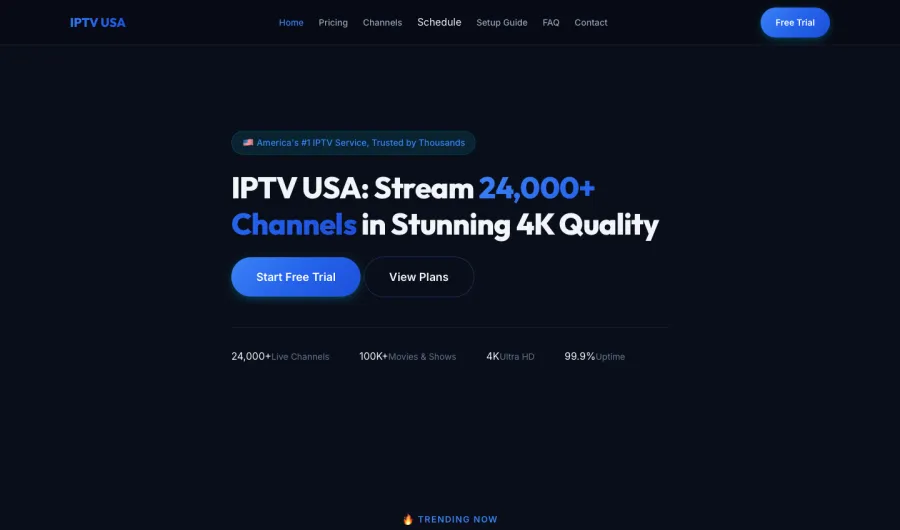
IPTV USA: best for $80 fight nights and out-of-market games. Its page states 99.9% uptime.
Apollo Group TV: best for several sports and movie packages on one bill. Its page describes on-demand access to 90,000+ films and shows.
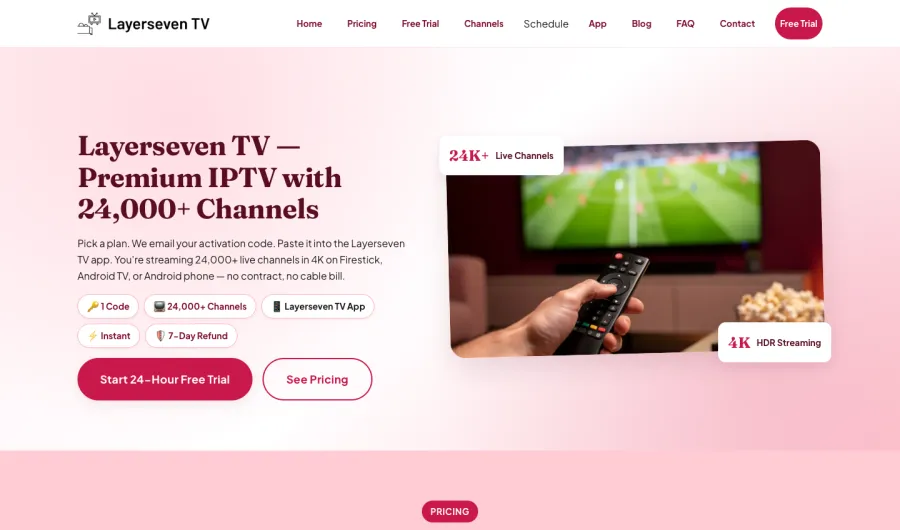
Layerseven TV: best for replacing cable in one step. Its page says it emails an activation code within minutes of payment.
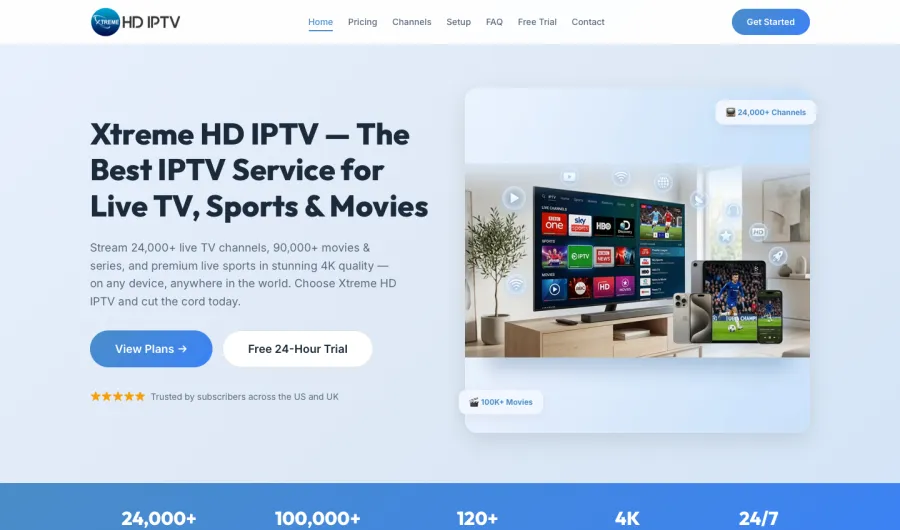
Xtreme HD IPTV: best for paying only for the screens you use. Its pricing page offers plans for one to five connections.
We have sorted these options by price, channels, payment options, player options, and more.
The best way to watch IPTV services is with an Android-powered streaming device such as the Amazon Firestick or Android TV Box.
Unlike most free live TV apps, these inexpensive IPTV services listed below have better channel offerings, smoother playback, less buffering, Local Channels, and overall better features.
Many users of free live TV streaming websites and sports sites have also turned to IPTV services for reliability and no ads.
LEGAL DISCLAIMER: CatchON TV does not own or operate any IPTV service or streaming application. We do not host or distribute any applications. We do not verify whether IPTV services or app developers carry the proper licensing. The end-user shall be solely responsible for media accessed through any device, app, addon, or service mentioned on our Website.
Make sure to check back frequently as live TV services are constantly changing and this website will always have an up-to-date list of the best options.
Important Note: In order to install most of these services, you will need to side-load the IPTV APKs on your streaming device.
This is commonly referred to as jailbreaking a firestick since most cord-cutters are using Amazon Fire TV devices.
The best way to do this is through the Downloader app. Many of these services can be found within secret Downloader Codes.
Most of these live TV services also pair well with IPTV players such as the CatchON TV APP.
When a service is compatible with an IPTV player this is often paired with M3U Playlists or Xtream Codes.
Best IPTV Requirements
In order to use IPTV services, it’s important to explain the requirements that are needed to stream live television online.
High-Speed Internet Connection
Streaming live TV services over the Internet without buffering requires a high-speed Internet connection.
We suggest purchasing an Internet package with speeds of at least 20 Mbps. If you don’t know your current Internet speeds you can run a quick speed test.
Streaming Device (Android-Powered)
The next requirement for watching IPTV is an Android-powered streaming device.
Android devices provide an open operating system that allows for sideloading live TV apps and services that you can’t find in popular app stores.
We recommend using a device like the Amazon Firestick, Fire TV, Fire TV Cube, NVIDIA Shield, Chromecast, or any IPTV Box.
Virtual Private Network (VPN)
While using a VPN is not technically a requirement to stream IPTV, it’s highly suggested to use one for privacy purposes.
Types of IPTV Services
Before diving into the best providers, it’s important to distinguish the two different types of IPTV – verified and unverified.
Verified IPTV
Verified live TV services are available through reputable app stores such as Google Play, Amazon, and Apple.
We are confident these are legal due to the fact that they have been approved by Google and Amazon. Reputable app stores would be liable for copyright infringement if they allowed illegal IPTV services.
Unverified IPTV
Unverified IPTV services on the other hand are providers that are not available within reputable app stores.
Some of these live TV services are delivering channels without the proper broadcast licensing. These services also require users to sideload an application that pulls in channels.
Because CatchON TV has no way to determine whether these services carry the proper licensing, we call them unverified IPTV services.
IMPORTANT: We recommend protecting yourself with a VPN when using these unverified live TV services. This will hide your IP Address and keep you anonymous online.
Check out the link below for more information on VPNs and why they are a must when using IPTV services.
Factors to Consider While Shopping for IPTV Services
When it comes to choosing an IPTV service, there are several factors you will want to consider before buying.
Because there are thousands of IPTV providers to be found online, it can be overwhelming what to look for.
Below we have listed some of the most important factors to consider while you shop for the best IPTV service.
Cost and Payment Methods – Does the live TV service accept PayPal, Bitcoin, or any third-party vendor?
Free Trials – Does the live TV service offer any free trials?
Customer Support – Is there 24/7 customer support through live chat, email, or phone?
Month-to-Month Payments – Are you able to pay month-to-month without being tied to a long subscription plan?
VPN Compatibility – Does the live TV service work with multiple VPNs?
Channel Offerings – How many channels are included in a basic subscription?
Sports Packages and pay-per-view – Does the live TV service offer premium sports packages?
Video on Demand (VOD) – Does the IPTV service include movies and TV shows?
Number of Connections – how many devices you can use at once?
M3U URL – Does the live TV service provide an M3U URL after registration?
Electronic Program Guide (EPG) – Does the live TV service include an EPG for improved streaming?
IPTV Player Support – Does the live TV service work with the IPTV player you already use?
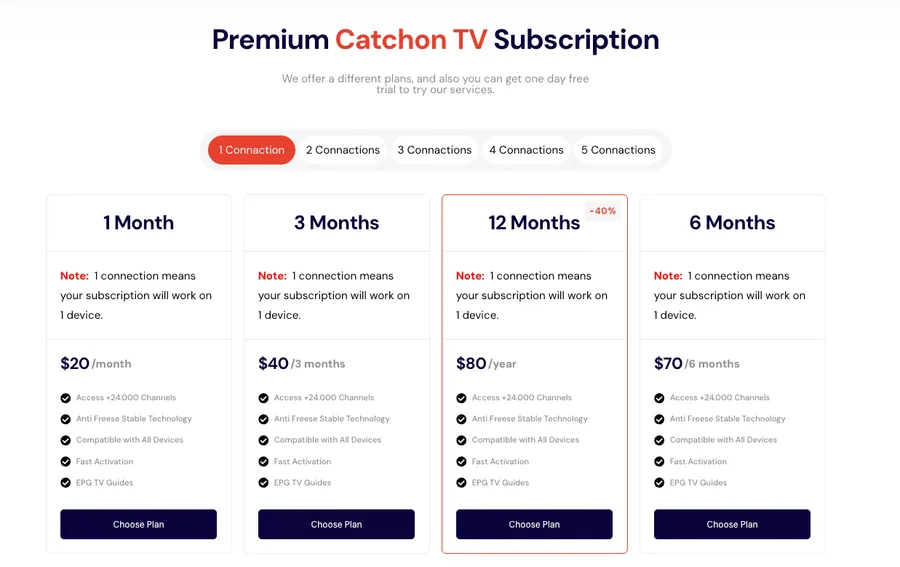
Most unverified IPTV services will offer a similar payment structure as shown in the image below. However, not all live TV services are the same.
Now that you have a better understanding of what to look for, here are the best IPTV service providers available.
Best IPTV Service Providers in 2026
Below you will find a list of the best IPTV services. Our rankings are determined by user feedback, our reviews, and information found on forums.
Our reviews team defines “unverified” IPTV services as those that are not available in reputable app stores such as Google Play, Amazon, or Apple.
For legal purposes, we will not link to the websites of unverified providers. A simple Google search should help you find official websites.
1CatchON TVOur pick
Best for trying it on your own TV before you pay
You want to see a real picture on your own television tonight, but you do not want to hand over card details just to find out how it looks. CatchON TV makes that first step straightforward: its page offers a free 24-hour trial with no card needed, and says the trial gives full access to all channels and VOD content. You can try the service where you actually watch, using the screen and connection you already have.
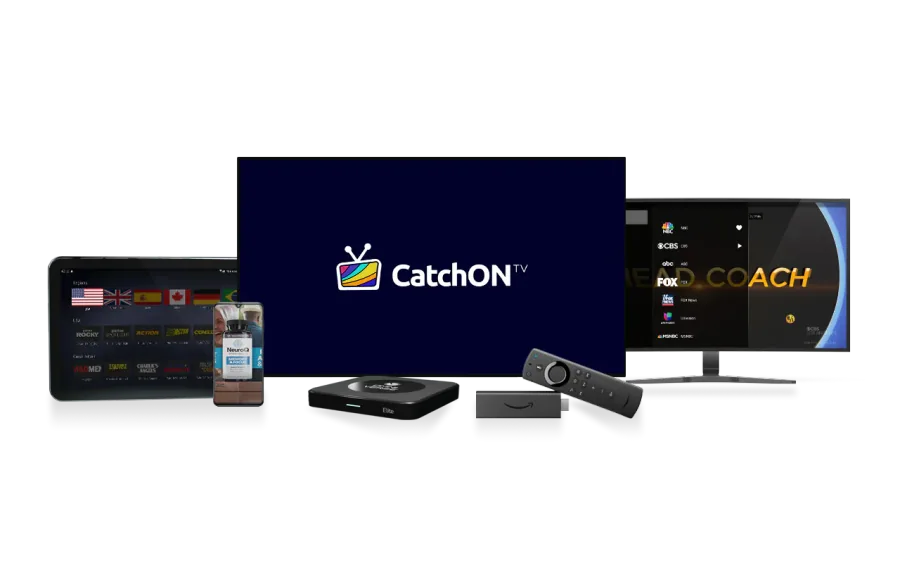
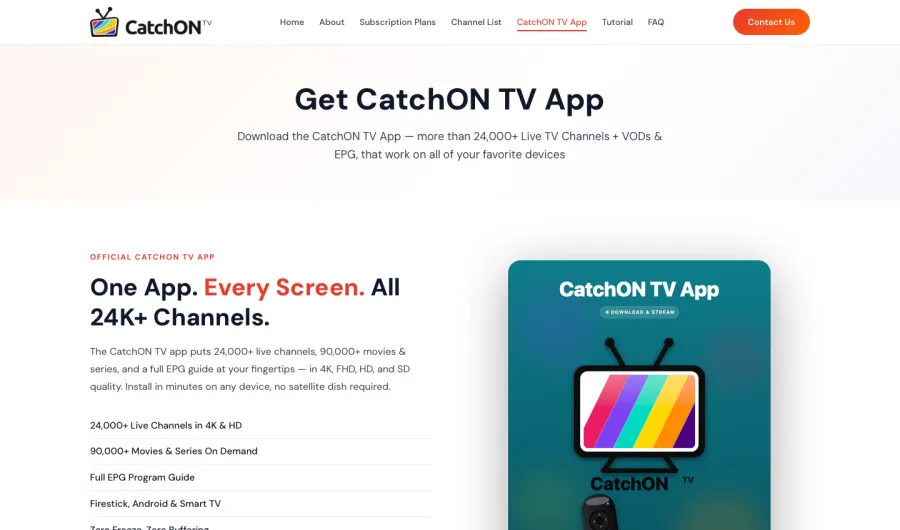
The CatchON TV app is the service’s own app, with the promise “One App. Every Screen.” The page lists an electronic program guide and streams in 4K, HD, FHD and SD, so you can choose the format that suits your screen and connection. It also lists 90,000+ films and series. For a Fire TV Stick, the installation path is clear: install Downloader, enter code 5728794 and follow the prompts to install the app.
CatchON TV says it works on every device and offers a WhatsApp support team. Its page describes its servers as “No freeze, No buffering. Stable and strong servers.” Use the trial to get familiar with the app, find the channels you watch and try the program guide. That gives you a practical feel for the viewing experience before choosing a plan.
Good for
Trying the full service on your own screen without entering card details.
Using the CatchON TV app and electronic program guide.
Choosing from 4K, HD, FHD and SD streams.
Getting help from a WhatsApp support team.
Watch out
The trial lasts 24 hours, so start it when you have time to explore the app and watch what matters to you.
Best for several sports and movie packages on one bill
When one person in the house wants sports, another wants premium channels and someone else wants films, separate subscriptions can turn into a pile of monthly bills. Apollo Group TV is pitched at that kind of household. Its page says it is “built for US households that want every sports package, every premium cable channel and every major movie and show.”
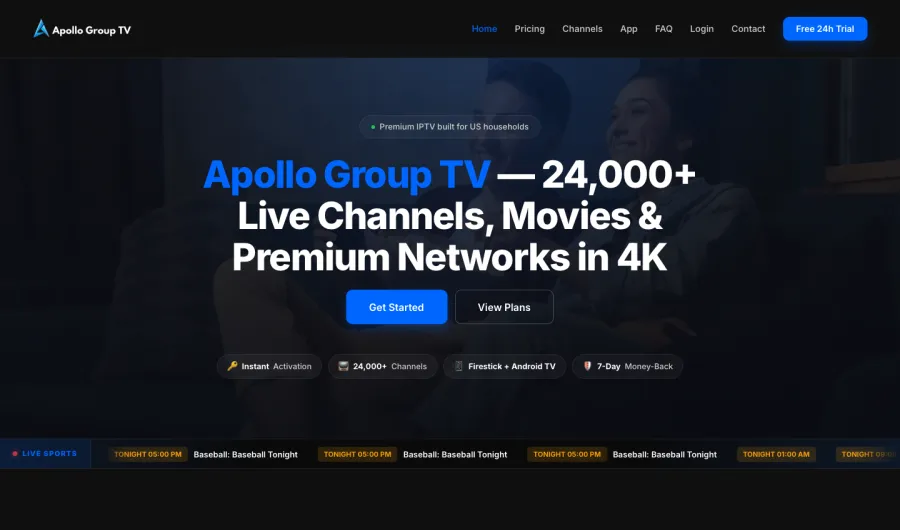
The service lists 24,000+ live channels and 90,000+ films and shows on demand, with 4K viewing. Apollo Group TV describes activation as instant and lays out the route from payment to streaming in three steps. The page also says it works on devices you already own, naming Firestick and Android TV. That makes it easy to plan a first setup around a television you already use rather than building a new viewing system from scratch.
Apollo Group TV offers a 24-hour free trial with no card needed and a 7-Day Money-Back option. If you are choosing for a household with different tastes, use the trial to look through the sports, premium-channel and on-demand sections. Check the menus on your own device and see whether the service fits the way your household decides what to watch.
Good for
Households combining sports, premium channels and on-demand entertainment.
Browsing 90,000+ films and shows on demand.
Getting started through instant activation and a three-step process.
Trying it on Firestick or Android TV.
Watch out
Use the trial to browse the sections each person in the household wants to watch.
Try the setup on the Firestick or Android TV you plan to use most often.
Replacing cable can feel like a project: choose a service, sort out an app, then work out how to sign in on the TV. Layerseven TV aims to make the whole switch one clear sequence. Its page says it is “built for people leaving cable who want it all,” with the service and its own app as part of the same setup.
The steps are simple to follow: pick a plan, receive an activation code by email and paste it into the Layerseven TV app. The page says the code arrives within minutes of payment and describes the journey from signup to streaming as taking under 10 minutes. It lists the app for Firestick, Android TV and Android phone, giving you a route for a main television as well as a phone.
Layerseven TV lists 24,000+ live channels, 4K HDR and anti-freeze tech. Its page also lists support in under 2 hours, a 24-hour free trial with no credit card and a 7-day money back option. For someone who wants to make one switch and get watching, the activation-code process is the standout. You receive the code, enter it in the app and move on to browsing.
Good for
Households that want the app and service together in one setup.
Activating through an emailed code and the Layerseven TV app.
Using the app on Firestick, Android TV or Android phone.
Support in under 2 hours.
Watch out
Have access to your email inbox so you can find the activation code when it arrives.
Start the trial when you can install the app and explore the channels you watch most.
If there are several televisions in your home, a single-device plan may not match the way everyone watches. Xtreme HD IPTV makes the number of screens a clear part of its pricing: its page says “1 connection = 1 device” and lets you choose from one to five connections. That makes this a practical fit for households that want to match the plan to the number of devices they use.
The service lists 24,000+ live channels, 90,000+ films and series, 4K and channels from 120+ countries. Its page also lists an electronic program guide, anti-freeze technology and 24/7 support. A free 24-hour trial is available without a credit card, along with a 7-day money-back option. Use the trial to get comfortable with the guide and see how the service fits your usual viewing setup.
Before choosing a connection count, think about which devices will be watching at the same time. The pricing page spells out the options for one through five connections, so you can choose a plan based on your screens rather than guessing. It is the most direct pick here for households that want a clear connection count from the start.
Good for
Homes choosing a plan based on the number of devices.
Options from one to five connections.
Using an electronic program guide.
Getting help through 24/7 support.
Watch out
One connection equals one device, so count the screens you plan to use.
Try the guide during the trial and decide which connection count fits your household.
Paying $80 for a fight night stings, and an out-of-market game can leave you watching a blank screen when you wanted to follow the action. IPTV USA speaks directly to that frustration. Its page says, “Stop paying $80 per fight night or missing out-of-market games,” and frames the service as a way to get live viewing without cable contracts, a cable box or $200 monthly bills.
IPTV USA lists 24,000+ live channels and 4K Ultra HD. Its page states 99.9% uptime, and the signup process is presented in three steps: pick a plan, get your login and start watching. There is a free 24-hour trial to try the service before choosing a plan, plus a 7-day money-back option. For a sports-focused household, the useful question is whether the channels you care about are easy to find and the picture works well at your usual viewing time. Use the trial to check both on your own device.
The appeal here is the specific sports problem it sets out to solve. If your biggest frustration is paying per fight or missing games because of where you live, IPTV USA is the focused pick among these five. Its “No contracts, no cable box, no $200 monthly bills” pitch also suits viewers looking to simplify their live TV setup.
Good for
Viewers frustrated by the cost of individual fight nights.
Fans looking for out-of-market games.
A three-step signup: choose a plan, receive a login and start watching.
Trying the service during a 24-hour free trial.
Watch out
Use the trial during a fight night or game you care about, so you can try your usual viewing routine.
A stream that drops out during your evening viewing is frustrating, especially when you have no way to judge how dependable the service is. 4K IPTV puts a published 99.9% uptime figure on its page, giving number-minded viewers a concrete service statistic to consider. Its lineup includes 24,000+ live channels, with 4K Ultra HD streaming highlighted throughout. The site also describes support for a wide range of devices, so you can look at one service figure alongside a substantial lineup and a picture quality focus.
7BestIPTVs.io
Best for a quick Firestick setup
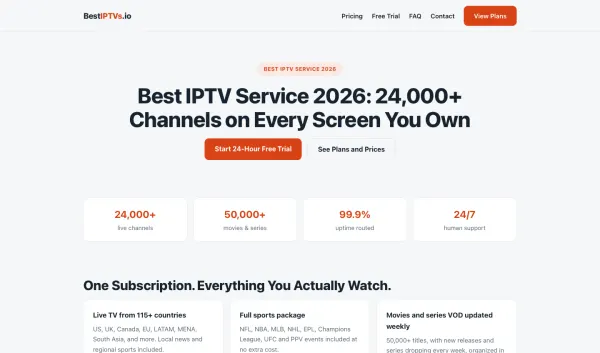
When setup has already eaten up your evening, the thought of another complicated installation can put you off streaming altogether. BestIPTVs.io has a Firestick guide that says setup takes about five minutes, with a three-step path from signup to watching. Its page lists 24,000+ live channels and says the service works with apps you already have. That makes it a practical fit for Firestick owners who want clear setup direction and a broad lineup without turning installation into a project.
8Buy IPTV
Best for skipping unwanted bundle channels
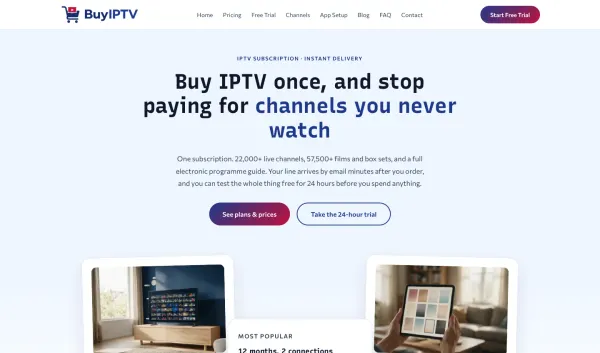
Paying for a giant package when you only watch a handful of channels can make television feel like a poor deal. Buy IPTV frames its offer around getting live TV, on-demand viewing and a program guide through one subscription, with no equipment to install in the wall. Its page lists 22,000+ live channels and 57,500+ films and box sets. For households tired of oversized bundles, that combination keeps the focus on choosing a lineup and screens that suit their actual viewing.
9Digitalizard IPTV
Best for busy-hour stream stability
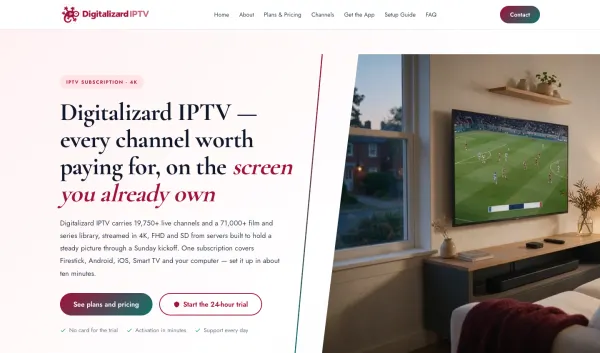
When everyone settles in to watch at once, a picture that stutters can spoil the whole evening. Digitalizard IPTV says its servers are chosen for the busy hour and describes the streams as built for stability when viewing peaks. The service lists 19,750+ live channels and 71,000+ films and series, with 4K, FHD and SD options. It also supports Firestick, Android, iOS and smart TVs, making it a fit for households that want multiple ways to watch and a page focused on peak-time performance.
10Epix IPTV
Best for quick Android activation
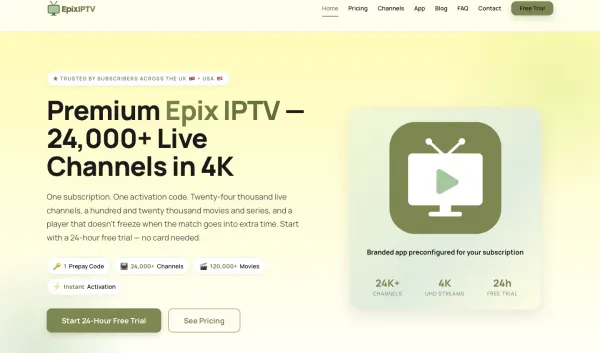
Getting from a new subscription to the first picture can feel like too many steps, particularly when you just want to watch. Epix IPTV describes a path from plan to streaming in under five minutes and has a guide for installing its app on Android devices. The page lists 24,000+ live channels and highlights 4K UHD channels, a full EPG TV guide and coverage for UK and USA viewers. For people who want a direct Android setup and a guide to help them browse, Epix IPTV keeps the route clear.
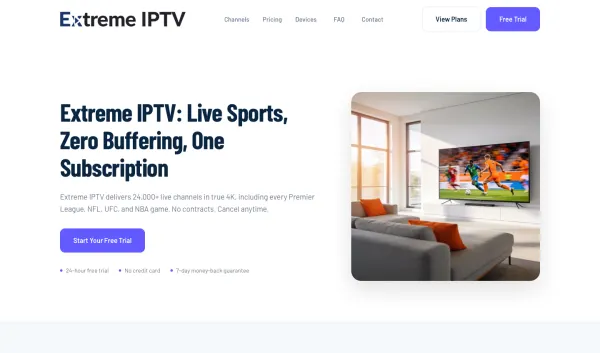
11Extreme IPTV
Best for avoiding surprise renewals
A forgotten renewal can leave viewers feeling caught out, especially after a service they barely used rolls into another term. Extreme IPTV says there are no hidden fees and no surprise renewals, addressing that worry directly on its page. It lists 24,000+ live channels and highlights true 4K and FHD quality, with support for devices people already own. For viewers who want to know where they stand before signing up, Extreme IPTV puts renewal expectations and a large lineup in the same straightforward pitch.
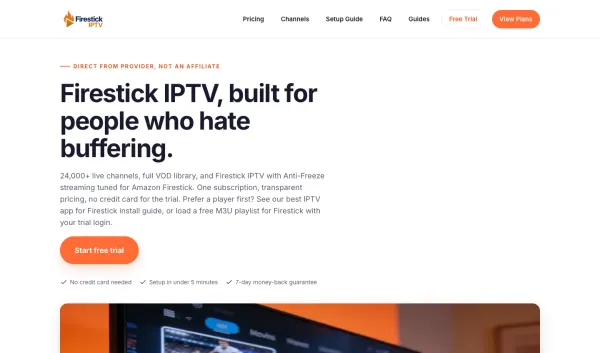
12Firestick IPTV
Best for Firestick-focused streaming
Firestick owners can get tired of services that feel awkward on the device they use every day. Firestick IPTV says its streaming is tuned for Amazon Firestick, with anti-freeze technology and a setup described as taking five minutes. The service lists 24,000+ live channels and promotes 4K and FHD quality. Its page also says it works beyond the stick, so households can keep other screens in the picture. For viewers who want the Firestick to feel like the primary setup, that device-specific focus is the draw.
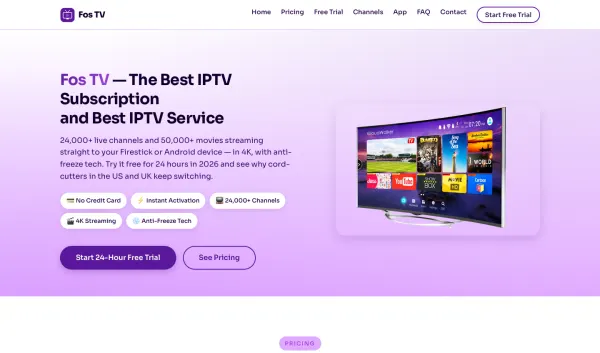
13Fos TV
Best for first-time IPTV viewers
If you have never tried IPTV, it can be hard to know what the signup and setup will actually involve. Fos TV has dedicated explanations of what the service is and how signup works, then lays out the process in three steps. The page lists 24,000+ live channels and 50,000+ movies, with Firestick and Android devices called out. That gives first-timers a way to understand the basics before choosing a plan, while still seeing the size of the lineup and the devices they can use.
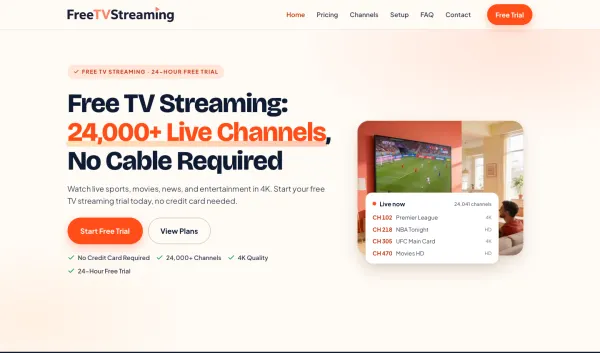
14FreeTVStreaming
Best for leaving the cable box behind
A cable box taking up space under the television can make an already cluttered setup feel even more cumbersome. FreeTVStreaming presents its service as television without the cable box and says it runs on devices people already own. Its page lists 24,000+ channels and promotes anti-freeze technology, 4K and HD quality, and fast activation. For viewers ready to move away from a dedicated box, FreeTVStreaming keeps the pitch centered on streaming through existing hardware and getting started without a new installation.
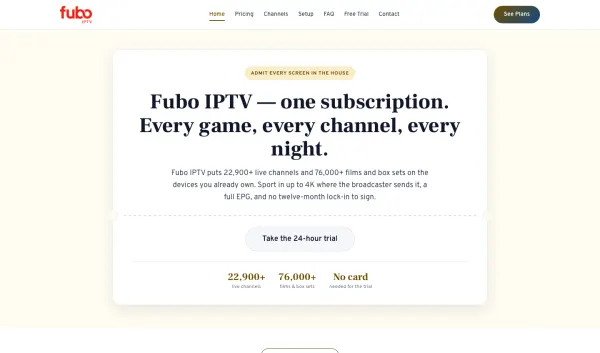
15Fubo IPTV
Best for nightly live viewing
Some viewers want something live to watch most nights, not just a lineup for the occasional big event. Fubo IPTV’s page centers on a game every night and describes channels from more than 120 countries, with a full EPG to help browse. It lists 22,900+ live channels and says the first channel can be playing about five minutes after payment. That combination suits households that follow live programming throughout the week and want both a broad selection and a guide to see what is on.
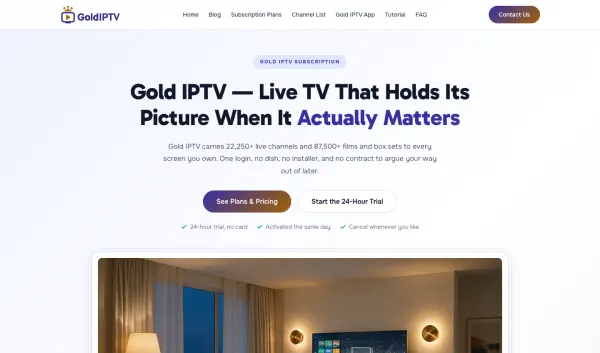
16Gold IPTV
Best for avoiding a TV contract
Being tied to a television contract can make a household think twice before changing how it watches. Gold IPTV says there is no contract, and its page focuses on using the screens already at home without a dish or installer. The lineup includes 22,250+ live channels and 87,500+ films and box sets. For viewers who want to avoid a long agreement and keep setup simple, Gold IPTV presents a broad service around a straightforward commitment and familiar devices.
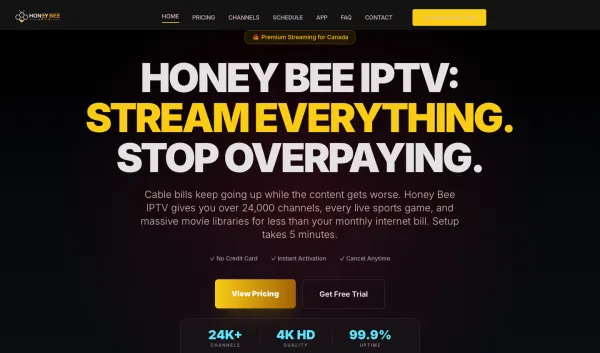
17Honey Bee IPTV
Best for Canadian cable frustration
When a Canadian cable bill keeps climbing, it is natural to look for a different way to watch at home. Honey Bee IPTV speaks directly to viewers tired of overpaying and presents its service as an alternative for households across Canada. The page lists 24,000+ live channels and highlights a large on-demand library, along with 99.9% uptime. For Canadian viewers comparing options, Honey Bee IPTV puts regional relevance, a large lineup and a published uptime figure at the center of its pitch.
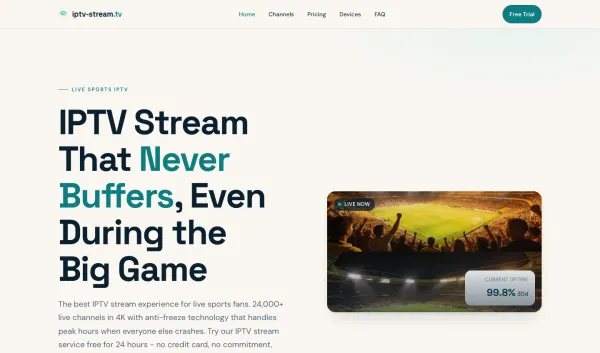
18IPTV Stream
Best for a stream that freezes at kickoff
Few viewing mishaps are as irritating as a frozen picture just as a live match gets underway. IPTV Stream builds its page around that exact frustration, emphasizing anti-freeze technology for peak hours and saying the service is ready for live sports viewing. It lists 24,000+ live channels and a published 99.9% uptime figure. The service supports Firestick, Android, smart TV and iOS, giving viewers options for where to watch. IPTV Stream is aimed at people who put live viewing first and want stability to be part of the pitch.
19IPTV America
Best for an American household lineup
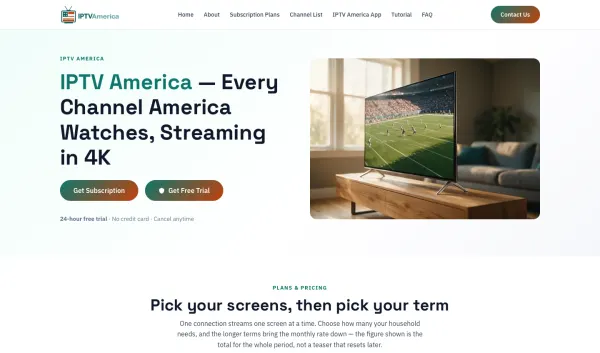
For viewers in the United States, finding familiar programming in a lineup that fits the household matters more than a generic channel count. IPTV America describes its service around how American households watch, with live programming, local news and children’s cartoons called out on the page. It lists 20,500+ live channels and 70,000+ films and series. The site also says everything is included in the subscription rather than sold as add-ons. That makes IPTV America a region-focused option for households looking for a broad lineup in one place.
20IPTV Australia
Best for Australian footy and cricket
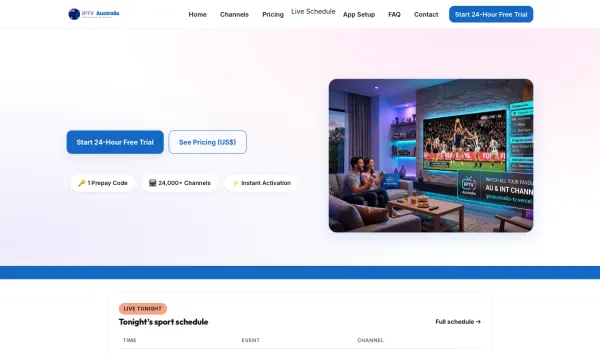
Australian viewers who follow local footy and cricket want those fixtures to be easy to find in their regular viewing setup. IPTV Australia highlights Australian rules football, rugby league and summer cricket, with its page describing streaming through the IPTV Australia app on Firestick or Android TV. It lists 24,000+ live channels and features a seven-day money-back offer. The service also highlights free-to-air coverage and instant activation. For Australian sports fans, IPTV Australia keeps the focus on local competitions and a setup that uses devices already at home.
21IPTV Free Trial
Best for testing before committing
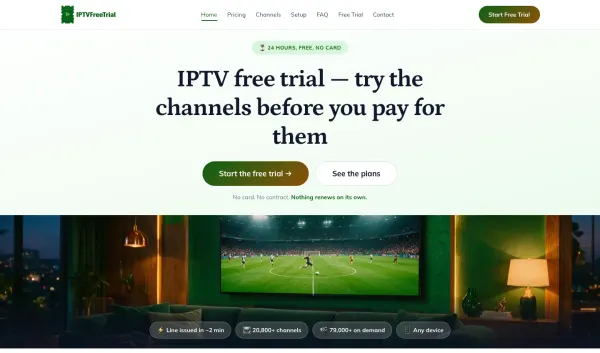
Careful buyers often want time to check the picture, lineup and device setup before deciding on a service. IPTV Free Trial puts the trial at the center of its offer and lists eight things viewers can verify during it. The page shows 20,800+ live channels and 79,000+ films and series, with viewing on your own connection. It also says there is no card, no contract and nothing that auto-renews. That gives cautious shoppers a clear period to test the service against their own expectations before making a decision.
22IPTV Iowa
Best for finding new releases in Iowa
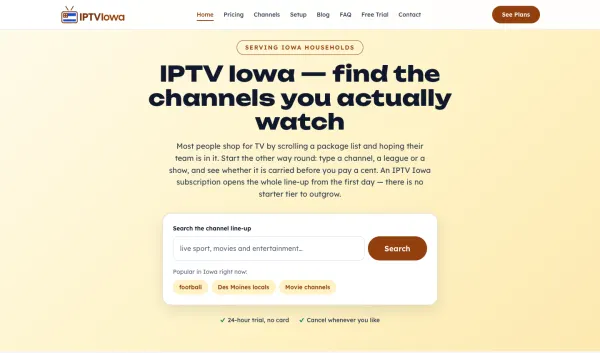
Paying separately every time a new film catches your eye can make movie night feel more complicated than it should. IPTV Iowa says new releases land in its library rather than a rental basket, speaking to viewers who want on-demand discovery without a separate rental routine. The page lists 19,000+ live channels and describes a search-first approach: look for a channel, league or show before paying. For Iowa households that want to check availability and browse new releases in one place, IPTV Iowa brings both needs into its pitch.
23IPTV Mains
Best for support at any hour
When something goes wrong late at night, waiting until the next business day for help can leave you stuck. IPTV Mains says support is available at any hour by chat or email, making around-the-clock help part of its offer. The service lists 21,900+ live channels and 54,500+ on-demand titles, with 4K playback on devices you already own. For viewers who value being able to ask for assistance whenever a problem comes up, IPTV Mains pairs that support focus with a broad live and on-demand lineup.
24IPTV Providers Online
Best for avoiding blacked-out games
It is aggravating to plan around a game and then discover your package does not carry it where you live. IPTV Providers Online puts its page emphasis on avoiding blackouts, with a lineup described around games and leagues in one place. The service lists 24,000+ live channels and publishes 99.9% uptime. It also highlights support for Firestick, Android, smart TV, iOS and Mac. For sports viewers who are tired of finding gaps in their lineup, IPTV Providers Online presents broad coverage as the way to keep more viewing in reach.
25IPTV Canada
Best for Canadian channels in one guide
Switching between separate apps to find Canadian programming can turn a relaxed evening into a search session. IPTV Canada highlights more than 500 Canadian channels and positions its service around a single guide for live channels, sports, on-demand viewing and EPG. It lists 18,900+ live channels and 68,000+ on-demand titles, with 4K, FHD and SD quality options described on the page. For Canadian households that want local channels easier to find alongside a wider lineup, IPTV Canada offers a region-specific focus in one subscription.
26IPTV Streaming
Best for checking what is on tonight
Settling onto the sofa only to spend ten minutes deciding what to watch is a familiar frustration. IPTV Streaming puts “What’s On Tonight” on its page, giving viewers a starting point for browsing rather than making them begin with a blank search. It lists 24,000+ live TV channels and 90,000+ movies and series in 4K. The service also says it works on any device. For people who want a quick sense of what is available now, IPTV Streaming makes tonight’s viewing part of the experience.
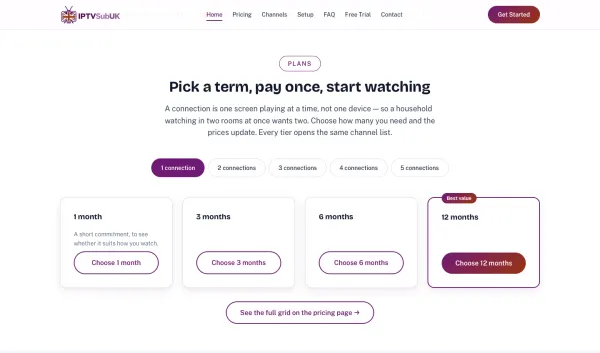
27IPTV Sub UK
Best for British television first
UK households often want familiar British television at the front of the lineup, with international viewing as an extra. IPTV Sub UK says “British telly first, then everywhere else,” matching the priority many viewers have when browsing channels. Its page lists 18,500+ live channels and highlights a full seven-day EPG, with a guide described as accurate. The service also promotes devices already in the home and up to five connections. For UK viewers who want local programming easy to find across several screens, IPTV Sub UK is built around that order.
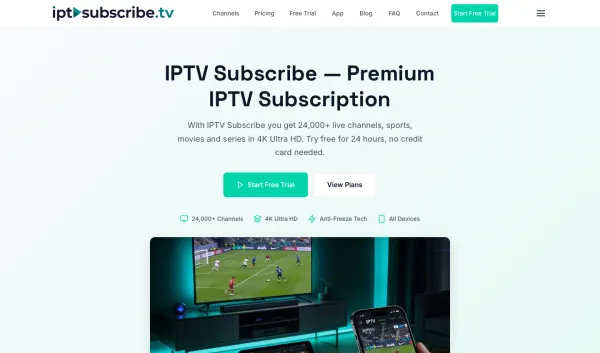
28IPTV Subscribe
Best for a three-step signup
Long forms and unclear signup processes can make a new service feel like work before you have even watched anything. IPTV Subscribe explains how to subscribe in three steps, beginning with picking a plan and receiving credentials. The service lists 24,000+ live channels and a large on-demand library, and its page says it works across devices. For viewers who want the route from choosing a service to watching laid out in plain steps, IPTV Subscribe keeps the signup process visible and pairs it with a broad selection.
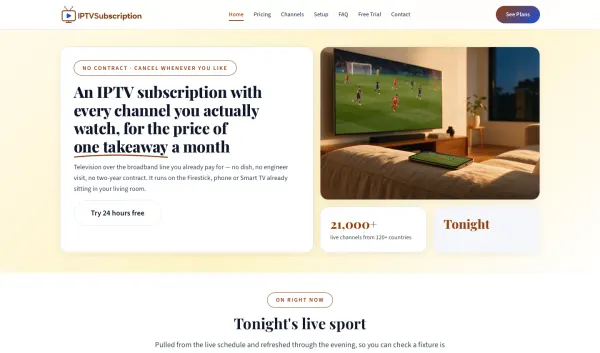
29IPTV Subscription
Best for leaving cable without tech jargon
For households leaving cable, technical language can make a simple viewing change sound harder than it is. IPTV Subscription says its page is written for people leaving cable, not for spec sheets, and describes the steps from payment to picture in about five minutes. The service lists 21,000+ live channels and promotes support for Firestick, smart TV, Android, iOS and MAG devices. That makes IPTV Subscription a useful fit for viewers who want a familiar, straightforward explanation of what they get and how to start watching.
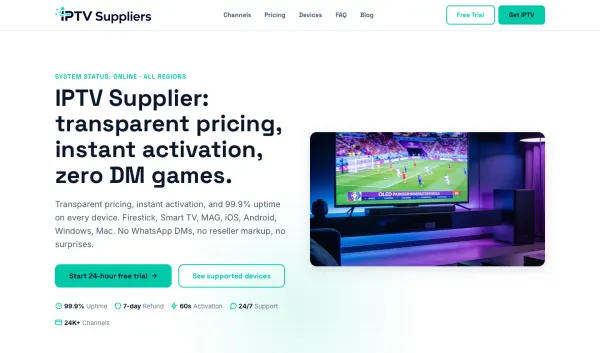
30IPTV Supplier
Best for clear supplier details
Some buyers are tired of being told to send a private message just to get basic service information. IPTV Supplier puts its plans and instant activation at the center of its page, with supported devices listed up front. It also publishes 99.9% uptime and lists 24,000+ channels, giving shoppers concrete details to compare before they decide. The page highlights support at any hour as well. For people who want the supplier’s key information in the open, IPTV Supplier makes clarity and direct answers a central part of the offer.
31IPTV UK
Best for British sports and television
UK viewers looking for sports and familiar British programming in one place want a lineup that reflects what they watch at home. IPTV UK highlights British television alongside a lineup of 24,000+ live channels and describes its setup as one app and one code. The page also says activation is instant and calls out Android and Firestick support. For viewers who want UK programming to be the starting point, IPTV UK gives that regional focus prominence and presents a simple route from setup to watching on familiar devices.
32Krooz IPTV
Best for households watching in many languages
In a multilingual household, one person’s preferred programming can be hard to find in a lineup built around just one region. Krooz IPTV highlights channels from more than 120 countries, giving viewers a wider range of languages and locations to browse. The page lists 17,750+ live channels and says the service works on a Firestick, phone or smart TV. That makes Krooz IPTV a fit for homes where people want different regional options without switching the whole setup. Its broad country selection is the main point of difference.
33Lemo IPTV
Best for keeping up with fixtures
Fans who plan their week around live fixtures do not want to find out about a match after it has started. Lemo IPTV’s page is organized around never missing a game, with anti-freeze technology and 24/7 human support among its highlighted features. It lists 24,000+ live channels and promotes 4K Ultra HD quality. The service also says all devices are supported. For viewers who want live events to stay central to their viewing routine, Lemo IPTV combines a sports-focused message with support for the screens already in use.
34M3U IPTV
Best for a playlist on your existing player
If you already use an M3U player, adding a separate box or changing your viewing routine may be the last thing you need. M3U IPTV says one playlist link loads its lineup into an M3U player, with support for any compatible player and device. Its page lists 23,600+ live channels and a full EPG that fills itself in. For viewers who want a playlist to use with an existing setup, M3U IPTV focuses on a single link, familiar playback tools and an included guide.
35Marinios IPTV
Best for a large on-demand selection
When the family cannot agree on what to watch, a deeper on-demand shelf gives everyone more room to find something. Marinios IPTV makes its movie and series library the headline for film and series viewers, alongside 24,000+ live channels. The page also highlights 99.9% uptime and says the service works on any device. For households that want a substantial selection available alongside live television, Marinios IPTV puts its catalogue size front and center and keeps viewing options broad.
36ReflexSat IPTV
Best for skipping an installer visit
Booking an installer, waiting for an appointment and making room for equipment can turn a simple TV change into a chore. ReflexSat IPTV lays out three setup steps and explicitly says none involve a ladder. The service is described as using existing broadband to stream to a phone, laptop, Firestick or television, with no equipment bolted to the wall. It lists 17,250+ live channels and 61,000+ films and box sets. For viewers who want to get started without arranging an installation visit, ReflexSat IPTV keeps the setup on familiar devices.
37Smart IPTV
Best for installing directly on a smart TV
A smart TV already has an app store and a screen in the right place, so adding another box can feel unnecessary. Smart IPTV focuses on running directly on the television you own, with installation through its own app store. The service lists 18,000+ live channels and says 4K is available where it exists, alongside an EPG guide. For viewers who want the TV itself to be the center of the setup, Smart IPTV is built around an on-screen installation rather than extra hardware under the set.
38SoPlayer
Best for a purpose-built Android TV app
Android TV viewers can get frustrated when the service and the app feel like separate pieces to figure out. SoPlayer pairs its subscription with a purpose-built app and a prepay code, which the page says you enter into the app to start streaming. It lists 24,000+ live channels and a large movie library, with support for Firestick, Android TV and phones. For viewers who want an app designed around the service rather than a separate setup to assemble, SoPlayer keeps the subscription and viewing experience together.
39SSIPTV Official Site
Best for one code across household screens
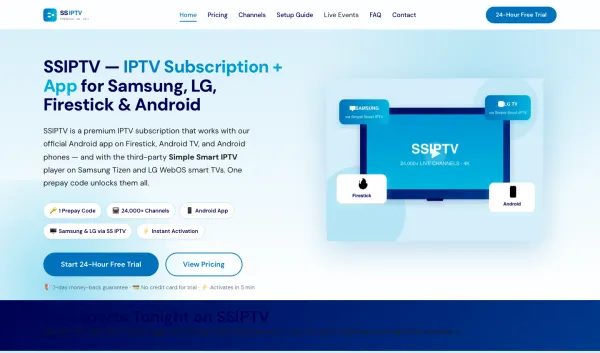
Homes with a mix of television brands and streaming devices can end up juggling separate setups from room to room. SSIPTV Official Site says one code works across screens, with support described for Samsung and LG smart TVs as well as Firestick and Android devices. The service lists 24,000+ live channels and a large movie library. For households that want the same service available in different rooms and on different kinds of screens, SSIPTV Official Site emphasizes one code and broad device compatibility.
40Trex IPTV
Best for a slower home connection
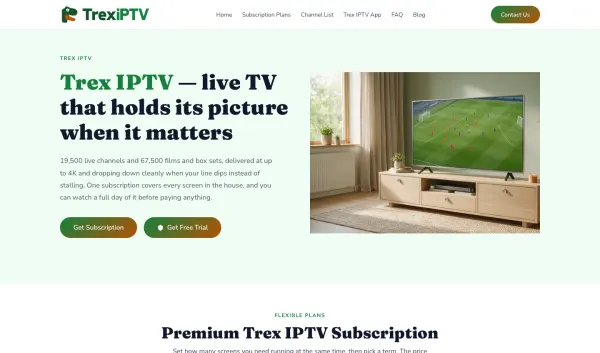
In a home where internet speed varies, a stream that simply stalls can make watching frustrating. Trex IPTV says its picture adjusts to the speed available instead of stopping, with quality reaching up to 4K when conditions allow. The service lists 19,500+ live channels and 67,500+ films and box sets, with one subscription covering every screen in the house. For households on a modest or changing connection, Trex IPTV makes adaptive playback a key part of its pitch while still offering a broad lineup.
41Voco IPTV
Best for rentals without a dish
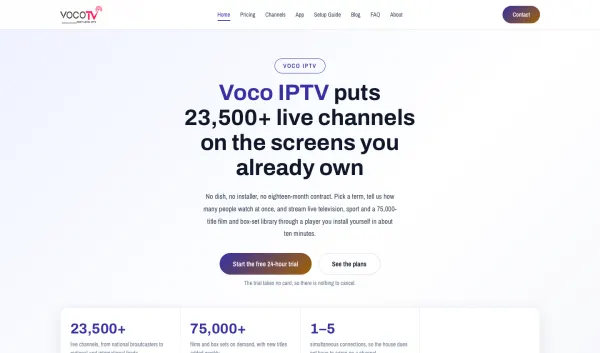
Renters may not be allowed to attach a dish or alter the outside of their home just to watch television. Voco IPTV says its service comes through the broadband line, with no dish, installer or long contract needed. The page lists 23,500+ live channels and describes a setup where viewers install a player themselves and enter their login. For apartments and rental homes where external equipment is not an option, Voco IPTV offers an internet-based route using devices already available indoors.
42VOD Streaming
Best for watching on your own schedule
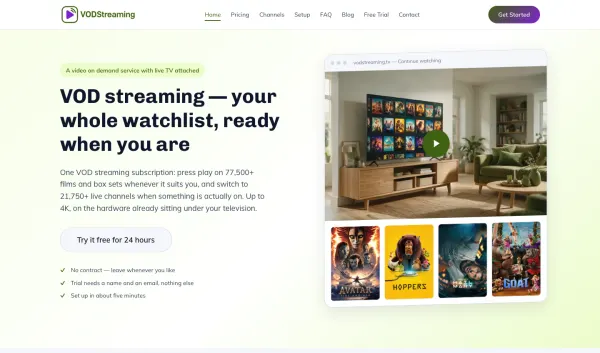
Some viewers want to press play when they have time, rather than arranging the evening around a broadcast schedule. VOD Streaming puts on-demand viewing first, describing a watchlist that is ready whenever the viewer is. Its page lists 77,500+ films and series alongside 21,750+ live channels, with playback up to 4K on devices already at home. For people who prefer choosing a film or series at their own pace, VOD Streaming makes its on-demand library the main attraction while keeping live viewing available too.
43Xtream Codes
Best for an Xtream Codes login setup
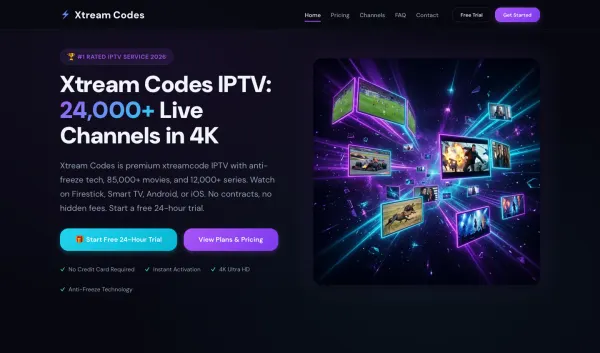
When your player asks for Xtream Codes login details, having a service built around that setup can make getting started more direct. Xtream Codes describes itself as an Xtream Codes IPTV service and says it works on Firestick, smart TV, Android and iOS. The page lists 24,000+ live channels and highlights anti-freeze technology. For viewers who already know the login format they need, Xtream Codes keeps the service aligned with that setup and offers a wide selection across familiar devices.
44Xtreme IPTV
Best for one login across every TV
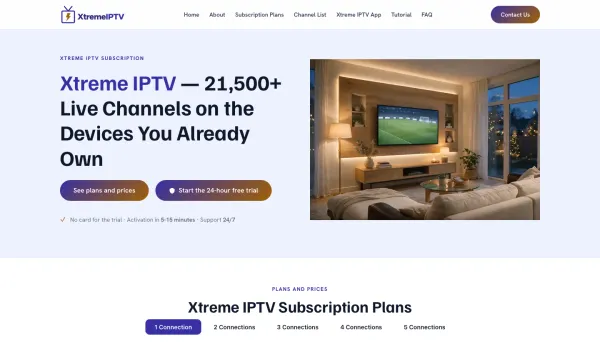
Keeping track of a different login on every television in the house is an unnecessary hassle. Xtreme IPTV presents one line for every screen and says a single login covers the devices already owned. The service lists 21,500+ live channels and 72,500+ movies and series, with support for Firestick, Android, MAG, Windows and Mac. For households that watch in more than one room, Xtreme IPTV offers one account across a broad mix of devices and keeps live and on-demand viewing together.
Getting IPTV running on your TV
Start by choosing the service and plan that fit your home, then decide which screen you will set up first. Keep your login or activation details nearby. A television connected to a stable home network is a good starting point, and a wired connection can help if your router is close enough.
On a Fire TV Stick, the CatchON TV app’s installation path uses Downloader. Open Downloader and enter code 5728794. Follow the prompts to download and install the app, then open it and sign in with the details for your account. Once the app loads, look through the channel sections and program guide. Try a few channels you normally watch, and adjust the stream quality if you want to compare how it looks on your screen.
For Android TV or an Android phone, use the CatchON TV app installation instructions for that device. Install the app, open it and enter your account details. On a phone, try the service over the same Wi-Fi network you use at home. On Android TV, use the television’s remote to move through the app and find the channels and guide.
On a smart TV, follow the instructions in our setup guide for your TV model. Once the app is installed and you are signed in, spend a few minutes checking the channel list and program guide. If you are using a trial, try the setup during the hours you usually watch, so you can see how it fits your routine.
Restart your router and the device running the app, then reopen the stream. If you can, connect the TV or streaming device to your router with an Ethernet cable. Pause downloads or other high-bandwidth activity on your home network and try a lower stream quality. If buffering continues, message support with the device you use and the time the problem occurs.
The channel list will not load
Close the app completely and open it again, then check that your internet connection is working on another app or device. If the list is still blank, restart the device and reload the service. On a device with app settings, clear the app cache and sign in again. Contact support if the channel list remains unavailable.
The activation code or login has not arrived
Check your inbox, spam and junk folders for the setup email. Search for the service name or the words “activation code,” and make sure you are checking the email account used at signup. If the message still has not arrived, contact support and include the email address you used and the order information you have.
The picture freezes during a live game
Restart the stream and, if the picture freezes again, close and reopen the app. Switch to a wired connection if one is available, or move closer to the router. Stop other downloads while you watch and try a lower stream quality. If the issue continues, send support the device, channel and time so they can help with the specific problem.
The app is missing on the TV
Use the installation steps for your TV type in the setup guide. On a Fire TV Stick, the CatchON TV path uses Downloader and code 5728794. Once the app is installed, open it and sign in. For a smart TV, the setup guide has the steps for each TV, so you can follow the instructions for your model.
The program guide is empty
Close and reopen the app, then give the guide a moment to load while the device is connected to the internet. Restart the device if the listings remain empty. Check whether channels play even if the guide has not filled in. If the guide is still blank, message support and describe the device and what you see.
The trial ended mid-game
A trial ending can stop the stream while you are watching. Pick a plan to keep watching, then use the account and setup details to continue. If you are still deciding, note which channels and app features you used during the trial, so you can choose a plan that fits your viewing habits.
Are IPTV Services Legal?
As mentioned previously, it’s impossible for CatchON TVto determine whether a live TV service holds the proper licensing for the content being broadcasted.
If and when an IPTV service is deemed illegal, we notify our users immediately and update reports on our website to reflect that information.
In conclusion, the end-user is responsible for all content accessed through unverified IPTV services and applications.
We recommend only using 100% legal and verified live TV services. See our guide on the legality of IPTV for more information.
Best IPTV Service Providers FAQ
What are the best IPTV service providers in 2026?
Our five picks are CatchON TV, IPTV USA, Apollo Group TV, Layerseven TV and Xtreme HD IPTV. CatchON TV is our lead pick for trying the service on your own TV before you pay. IPTV USA focuses on fight nights and out-of-market games, while the others suit households combining packages, replacing cable or choosing connections by screen count.
What does IPTV stand for?
IPTV stands for Internet Protocol Television. It describes television delivered over an internet connection rather than through a traditional broadcast or cable signal. Depending on the service, you may watch live channels, on-demand programs or both through an app on a compatible screen.
Are IPTV services legal?
IPTV is a way of delivering television over the internet. Rights for individual channels and programs vary by country and content, so legality depends on what a service offers and where you watch. Check the rules that apply where you live.
Is a VPN required to watch IPTV?
A VPN is optional for watching IPTV. Some people use one for privacy or to manage how their internet traffic is routed, while others watch without one. If you choose to use a VPN, check that it works with your device and connection, then test the stream using your usual setup.
Can IPTV be free?
Yes. Some services offer free television, and some paid services offer a free trial so you can try them before choosing a plan. Free options vary in their channel selection and features. If you want to test one of the five reviewed here, each lists a 24-hour free trial.
Do I need an account for IPTV?
Paid IPTV services generally provide account or login details so you can access the service. Some free services may let you watch without creating an account. For a paid plan, keep the login or activation information somewhere you can find it when setting up the app on your TV or phone.
Which IPTV service has the most channels?
Each of the five services reviewed here lists 24,000+ live channels. Channel counts are published by the services themselves and can be presented differently from one provider to another. When comparing options, use the trial to search for the channels and kinds of programming you actually want to watch.
What is the most reliable IPTV service?
Our five picks list different reliability and support details: IPTV USA states 99.9% uptime; Layerseven TV and Xtreme HD IPTV list anti-freeze technology; CatchON TV offers a WhatsApp support team; Layerseven TV lists support in under 2 hours; and Xtreme HD IPTV lists 24/7 support. Run the trial at peak time to see how it fits your viewing routine.
Which IPTV providers have free trials?
All five services reviewed here list a 24-hour free trial. CatchON TV, Apollo Group TV, Layerseven TV and Xtreme HD IPTV state that no card is needed for the trial. Use a trial on the device you plan to watch on, and try the program guide and channels you normally use.
What happens when the 24-hour free trial ends?
The trial stops on its own when the 24 hours are over. Where no card was asked for, nothing is charged. Pick a plan if you want to keep watching. If you are still deciding, use the time during your trial to check the app, search for your usual channels and test your normal viewing setup.
How many screens does one IPTV plan cover?
It depends on the plan. Xtreme HD IPTV lists plans from one to five connections and defines one connection as one device. Count the devices you plan to watch on, especially if people in your home may be watching at the same time.
How do I compare IPTV providers?
Start with the problem you want to solve, then compare device setup, connection count, support, the app and the trial. Try the service on your own screen and at the time you usually watch. Check the plan length and price that suit your household, and see how easily you can find your usual channels.
Can IPTV reviews be trusted?
Use reviews as a starting point, then compare their details with each service’s own live page. Look for clear information about devices, pricing, trials and support, and pay attention to when the page was checked. A trial on your own device gives you a way to judge whether the service suits your needs.
Ready to try CatchON TV?
24,000+ live channels and 90,000+ movies and series in 4K, on every device you own.